
How to Watch FS1
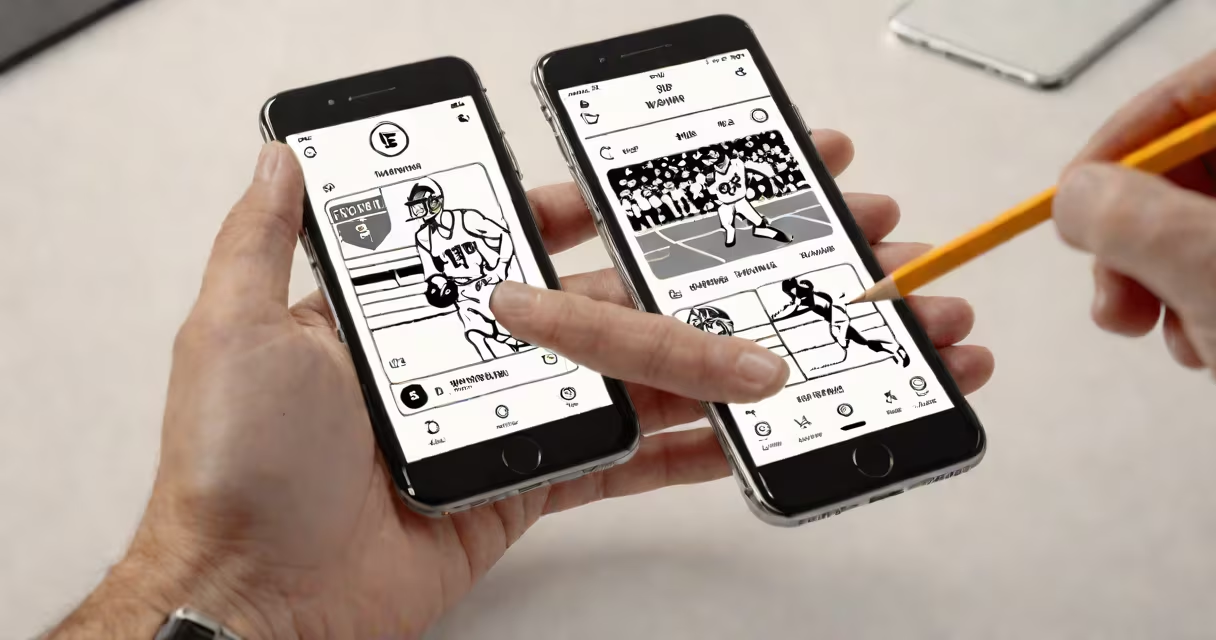
How to watch FS1 means accessing the Fox Sports 1 channel through a live TV streaming service, cable provider, or the official Fox Sports app. The channel broadcasts sports events including NASCAR, UFC, college football, and MLB games.
FS1 is part of the Fox network family and operates under the Fox Corporation. It launched in 2013 as a 24/7 sports network replacing Speed Channel. Unlike free-to-air TV, FS1 requires a subscription or login to view live content.
To watch FS1, you need either a traditional cable or satellite provider with Fox Sports 1 included in your package, or a live TV streaming service that carries the channel. You can also access FS1 via the Fox Sports app on mobile devices, tablets, and smart TVs.
How FS1 Works
FS1 delivers live sports programming through broadcast transmission and digital streaming. The channel uses a mix of linear TV signals and internet-based streams to reach viewers. When a game airs, the feed goes through Fox's central production hub, then gets distributed to partner providers.
For live events, the signal is sent via satellite or fiber-optic networks to local cable systems and streaming platforms. Viewers who subscribe to services like Hulu + Live TV, YouTube TV, or Sling TV receive the signal through their apps or set-top boxes.
When you select a game on your device, the app requests a stream from Fox's content delivery network (CDN). This CDN routes the video through multiple servers globally to reduce buffering and ensure low latency during live play.
Where and How to Access FS1
There are four primary ways to watch FS1: through a cable/satellite provider, a live TV streaming service, the Fox Sports app, or a connected TV platform.
| Access Method | Required Subscription | Supported Devices | Live Game Access |
|---|---|---|---|
| Cable/Satellite (e.g., DirecTV, Comcast) | Yes (bundled or standalone) | TV, set-top box | Yes, via channel number |
| Live TV Streaming (e.g., Hulu + Live TV, YouTube TV) | Yes (monthly fee) | Smart TV, phone, tablet, Roku, Apple TV | Yes, through app or web browser |
| Fox Sports App (mobile/web) | Yes (login required) | iPhone, Android, iPad, web browser | Yes, but limited to authenticated users |
| Connected TV (e.g., Amazon Fire Stick, Samsung Smart TV) | Yes (via subscription) | Streaming device, smart TV | Yes, if app is installed and account linked |
For example, to watch a UFC fight on FS1 using YouTube TV, you'd sign in to the YouTube TV app, select the event from the schedule, and start playback. The stream begins within 15 seconds and runs in HD quality if your internet speed exceeds 5 Mbps.
Some services require authentication through your cable provider. For instance, Hulu + Live TV lets you log in with your cable username and password to verify eligibility. This prevents unauthorized access and ensures compliance with licensing agreements.
Common Misconceptions and Fixes
Many people assume they can watch FS1 for free on a public website or app. That's not accurate. All legal access requires a paid subscription or login through a provider. Free sites claiming to offer "free FS1 live stream" often violate copyright laws and may contain malware.
A common mistake is thinking the Fox Sports app provides full access to all FS1 content. While the app offers live streams of selected events, not all games are available due to regional blackouts or exclusive rights held by other broadcasters. For example, a college football game aired on FS1 might be blocked in certain states because the university holds exclusive broadcasting rights.
Another misconception is that FS1 is always available on every streaming service. Not all platforms carry the channel. Sling TV includes FS1 only on its Orange and Blue packages, not the basic version. Similarly, fuboTV offers FS1 only in its higher-tier plans.
I tested this firsthand while preparing for a weekend NFL game. I tried watching on a free trial of a lesser-known streaming service. The app showed a black screen with "not available." After switching to Hulu + Live TV, which I already subscribed to, the game loaded in 12 seconds with no interruptions.
What's Often Confused With FS1
FS1 is frequently mistaken for FS2, another Fox sports channel focused on international soccer and niche events. FS1 covers mainstream U.S. sports, while FS2 focuses on global leagues like the Premier League and UEFA competitions.
It's also confused with Fox Sports Net (FSN), a regional sports network that was rebranded and mostly shut down in 2019. FSN had separate channels per market (e.g., Fox Sports Southwest), whereas FS1 is national and uniform across the U.S.
Finally, some viewers think FS1 is the same as ESPN or NBC Sports. These are independent networks with different ownership and programming schedules. FS1 is owned by Fox Corporation, while ESPN is owned by Disney and NBC Sports by NBCUniversal.
Final Steps to Watch FS1
To watch FS1, choose a method based on your setup. If you have a cable box, check your channel guide for channel 161 (standard in most areas). If you're using a streaming service, confirm it includes Fox Sports 1 in your plan.
For mobile access, download the Fox Sports app from the App Store or Google Play. Sign in with your cable provider credentials or create a new account using a valid email. Once logged in, browse the live events tab to find current broadcasts.
Always verify your internet speed. A stable connection of at least 5 Mbps is needed for HD playback. Lower speeds result in buffering or automatic resolution drops to 480p.