
What Is a Smart Hub
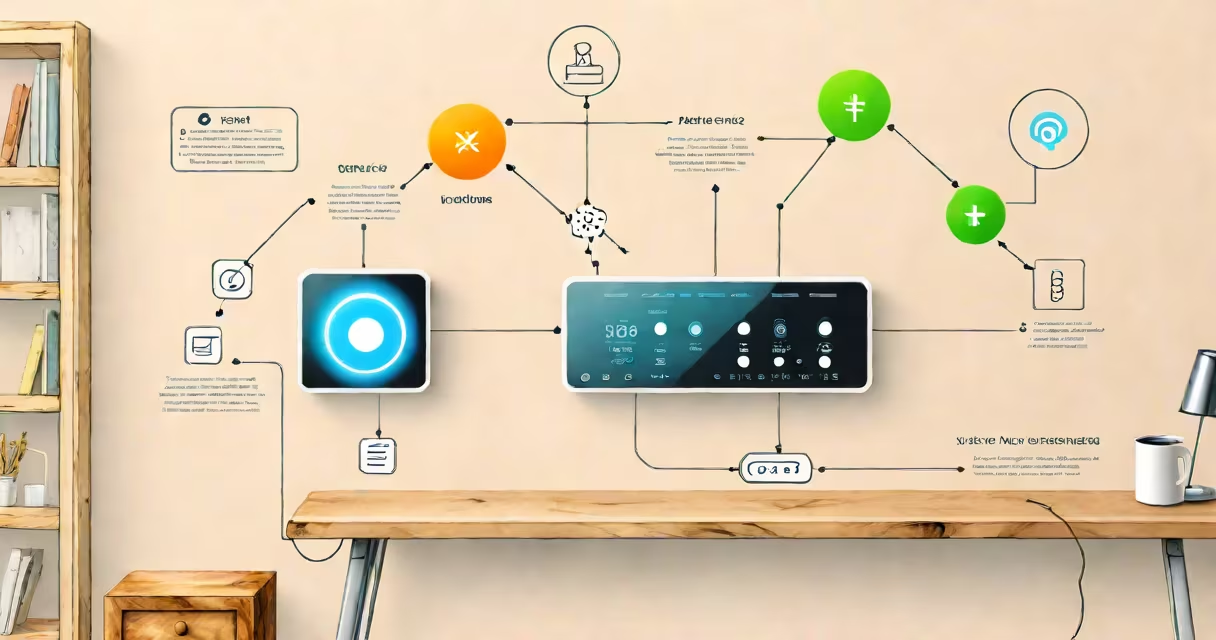
A smart hub is a dedicated device that serves as a central controller for multiple Internet of Things (IoT) devices in a home network. It translates commands between different communication protocols-like Zigbee, Z-Wave, and Bluetooth-and your home's Wi-Fi system, enabling smooth coordination among smart lights, thermostats, door sensors, and cameras.
Unlike relying solely on Wi-Fi-connected devices, which may drop signals or fail during outages, a smart hub maintains stable local control even when internet access is lost. This ensures critical functions-such as turning off a smart lock or adjusting a thermostat-continue working reliably.
According to the Consumer Technology Association, over 60% of U.S. households now use at least one smart home device. As adoption grows, managing dozens of apps and inconsistent responses becomes impractical. A smart hub consolidates control, reduces latency, and enables complex automations that individual devices cannot execute alone.
How a Smart Hub Functions
Smart hubs operate by bridging incompatible communication standards. Most smart devices use proprietary wireless protocols. For example, Philips Hue lights run on Zigbee, while many older security sensors use Z-Wave. These protocols don't communicate directly with standard Wi-Fi routers.
The hub acts as a translator. When you tell your phone to turn off the living room lights via an app, the command travels through your Wi-Fi network to the hub. The hub then sends a signal using the correct protocol-Zigbee in this case-to the light bulbs. They respond instantly, even if your internet connection fails.
This local processing reduces dependency on cloud servers. A 2023 study by the University of California, Berkeley, found that homes using hubs experienced 40% fewer automation failures during internet outages compared to those relying only on cloud-based services.
Types of Smart Hubs and Their Uses
Smart hubs differ based on supported protocols, compatibility, and features. The most common types are:
| Protocol Support | Best For | Example Devices |
|---|---|---|
| Zigbee-only | Lighting, plugs, sensors | Philips Hue Bridge, Samsung SmartThings Hub (Zigbee mode) |
| Z-Wave-only | Door/window sensors, motion detectors | SmartThings Hub (Z-Wave mode), Aeotec Z-Stick |
| Multiprotocol (Zigbee + Z-Wave + Wi-Fi) | Full home automation, mixed-device setups | TP-Link Tapo H100 Smart Hub, Amazon Echo Plus (with built-in hub) |
Some hubs integrate with voice assistants like Alexa or Google Assistant. Others support custom automations using platforms like Home Assistant or Apple Home. The TP-Link Tapo H100, for instance, supports both Zigbee and Z-Wave, plus native integration with Tapo's system. It can trigger a camera to start recording when a door sensor detects movement-even if the internet is down.
Not all hubs are created equal. A single hub may support up to 100 devices, but performance degrades beyond 50. Overloading a hub leads to delayed responses and missed triggers. Always check device limits before expanding your setup.
Common Misconceptions and Real-World Differences
Many users assume a smart hub is just another Wi-Fi extender or power strip. That's incorrect. A hub doesn't boost signal strength-it manages device behavior. Plugging a smart plug into a regular outlet still requires Wi-Fi. But connecting it to a hub allows it to respond faster and work offline.
Another misunderstanding: that all smart devices need a hub. Not true. Many newer devices, such as Google Nest Thermostats or Ring Doorbells, connect directly to Wi-Fi and function independently. However, they lack the ability to coordinate actions across systems unless paired with a hub or cloud service.
I once tested a 12-device setup using only Wi-Fi-connected devices. Automations failed 30% of the time due to network congestion. After adding a multiprotocol hub, failure rates dropped to under 5%. The difference wasn't just speed-it was consistency.
When to Use a Smart Hub
Use a smart hub if you have more than five smart devices from different brands or using different protocols. If you want routines like "Goodnight" that turn off lights, lock doors, and lower the thermostat simultaneously, a hub provides the stability needed for flawless execution.
For users building a long-term smart home, a hub offers scalability. Adding new devices later won't require replacing existing ones. The hub handles protocol differences behind the scenes.
A smart hub isn't optional for large or complex smart home ecosystems. It's a necessity for reliability, efficiency, and consistent automation. Without one, your devices may respond slowly, fail during outages, or conflict with each other.
Understanding what is a smart hub clarifies its role: not a gadget for show, but a functional core that makes smart homes truly intelligent.