
learn microsoft visual basic
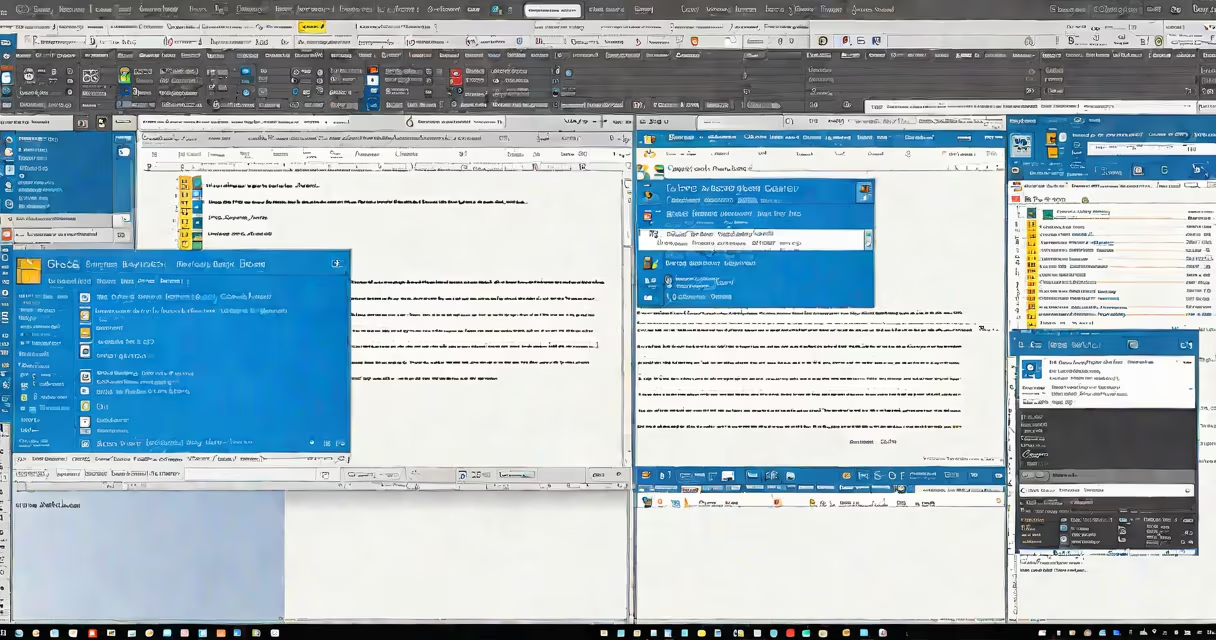
Learn Microsoft Visual Basic to create desktop applications, automate tasks, and build software using a beginner-friendly language designed for Windows environments. It runs within Visual Studio, supports drag-and-drop design, and uses plain English-like syntax.
Visual Basic, now known as VB.NET, is part of the.NET structure developed by Microsoft. It was originally released in 1991 as a simplified way to write Windows programs. Today, it's used to build business applications, internal tools, and automation scripts. The language emphasizes readability and rapid development, making it ideal for people new to programming.
Unlike low-level languages such as C or assembly, Visual Basic abstracts complex system operations behind simple commands. For example, writing a button click event in Visual Basic requires just a few lines of code:
Private Sub Button1_Click(sender As Object, e As EventArgs) Handles Button1.Click
    MessageBox.Show("Hello, World!")
End Sub
This code displays a pop-up message when a button is clicked. The syntax mirrors natural language, reducing cognitive load for beginners.
How It Works
Visual Basic compiles into Intermediate Language (IL) code, which the .NET runtime executes. This allows cross-platform compatibility through .NET Core and .NET 5+. However, most Visual Basic development still targets Windows due to tight integration with Windows Forms and WPF.
The development environment is Visual Studio, a full-featured IDE. It includes a designer for laying out forms visually, IntelliSense for auto-completing code, and debugging tools. You can drag controls like buttons, text boxes, and list views onto a window and assign behaviors via code.
When you run a project, the .NET runtime loads the compiled IL, translates it to machine code on the fly (JIT compilation), and executes it. This process happens automatically-you don't need to manage memory or pointers manually.
Types and Versions
Visual Basic has evolved through several versions. The original version (VB6) ran on older Windows systems and lacked modern features. VB.NET, introduced in 2002 with.NET Structure 1.0, replaced it with object-oriented design, better error handling, and integration with web services.
| Version | Release Year | Target Platform | Key Features |
|---|---|---|---|
| VB6 | 1998 | Windows 95/98/ME | Simple GUI builder, limited OOP |
| VB.NET (v1) | 2002 | .NET Structure | Object-oriented, garbage collection, unified type system |
| Visual Basic 2012 | 2012 | .NET 4.5 | Async/await, improved LINQ, better debugging |
| VB.NET (current) | 2023 | .NET 8 | Performance improvements, cross-platform support, modern syntax |
Modern Visual Basic supports async programming, lambda expressions, and integration with cloud services. Projects can target Windows, Linux, and macOS using .NET 8.
Common Uses and Misconceptions
Visual Basic is often used to build internal business tools-inventory trackers, report generators, and data entry systems. Many companies still maintain legacy VB.NET apps because they're stable and well-understood by existing staff.
A common mistake is assuming Visual Basic is outdated. While it's less popular than Python or JavaScript in web development, it remains actively maintained. Microsoft continues to release updates, including security patches and performance enhancements.
Another misconception is that Visual Basic is only for beginners. The language handles complex logic, file I/O, database access, and network communication. A financial institution might use it to automate monthly reconciliation reports, processing thousands of transactions daily.
For example, a small accounting firm used Visual Basic to read Excel files, validate entries, and export results to a SQL Server database. The app reduced manual work from 12 hours per month to under 30 minutes. The developer had no prior coding experience but learned by following tutorials and modifying sample projects.
What It's Not
Visual Basic is not a web development language. It doesn't generate HTML or serve pages. Web applications use ASP.NET with C# or F#. Visual Basic can't be used in browsers unless converted via Blazor, which is rare.
It's also not a scripting language like PowerShell or Bash. While it can automate tasks, it lacks direct command-line execution. Scripts written in Visual Basic must be compiled and run through the .NET runtime.
Some confuse it with Visual C#, which shares the same .NET runtime. But C# uses stricter syntax, requires more boilerplate code, and is preferred for high-performance or large-scale systems. Visual Basic offers faster prototyping for smaller applications.
Getting Started
Start with Visual Studio Community Edition, a free version available from Microsoft's website. Install the ".NET desktop development" workload during setup. This includes the VB.NET compiler, debugger, and form designer.
Create a new project: choose "Windows Forms App (.NET Structure)" or "Windows Forms App (.NET)" depending on your target. Name it "MyFirstApp." The template generates a blank window with a default form.
Add a button control from the toolbox. Double-click it to generate a click event handler. Type this code inside the method:
MessageBox.Show("Welcome to Visual Basic!")Press F5 to run. A window appears with a button. Click it. A message box shows the greeting.
This simple test confirms your environment works. From here, expand by adding text boxes, reading user input, and saving data to files.
Join the official Microsoft Learn platform for guided modules. Complete "Introduction to Visual Basic" and "Build Your First Desktop App" to earn a certificate. These cover variables, loops, error handling, and file operations.
One non-obvious fact: Visual Basic supports Unicode natively. Strings can contain emojis, accented characters, and non-Latin scripts without extra configuration. This makes it suitable for multilingual applications in education or government sectors.
After building a few small apps, try integrating with databases. Use ADO.NET to connect to SQLite or SQL Server. Write queries to retrieve data and display it in a grid. This expands your skill set beyond simple forms.
Visual Basic remains a practical choice for creating functional software quickly. Its focus on clarity and speed makes it valuable in enterprise settings, education, and personal projects alike.
Mastering learn microsoft visual basic opens doors to custom software creation, automation, and career growth in IT and software development.